TL;DR:
🆕 What's New:
- 🎁 Invite a friend and earn 10,000 credits.
- ⚡ Still on Guest mode? Upgrade to Beta 2 and get 20,000 bonus credits (limited time).
- 🏓 Table tennis is our religion: meet the team on our social channels.
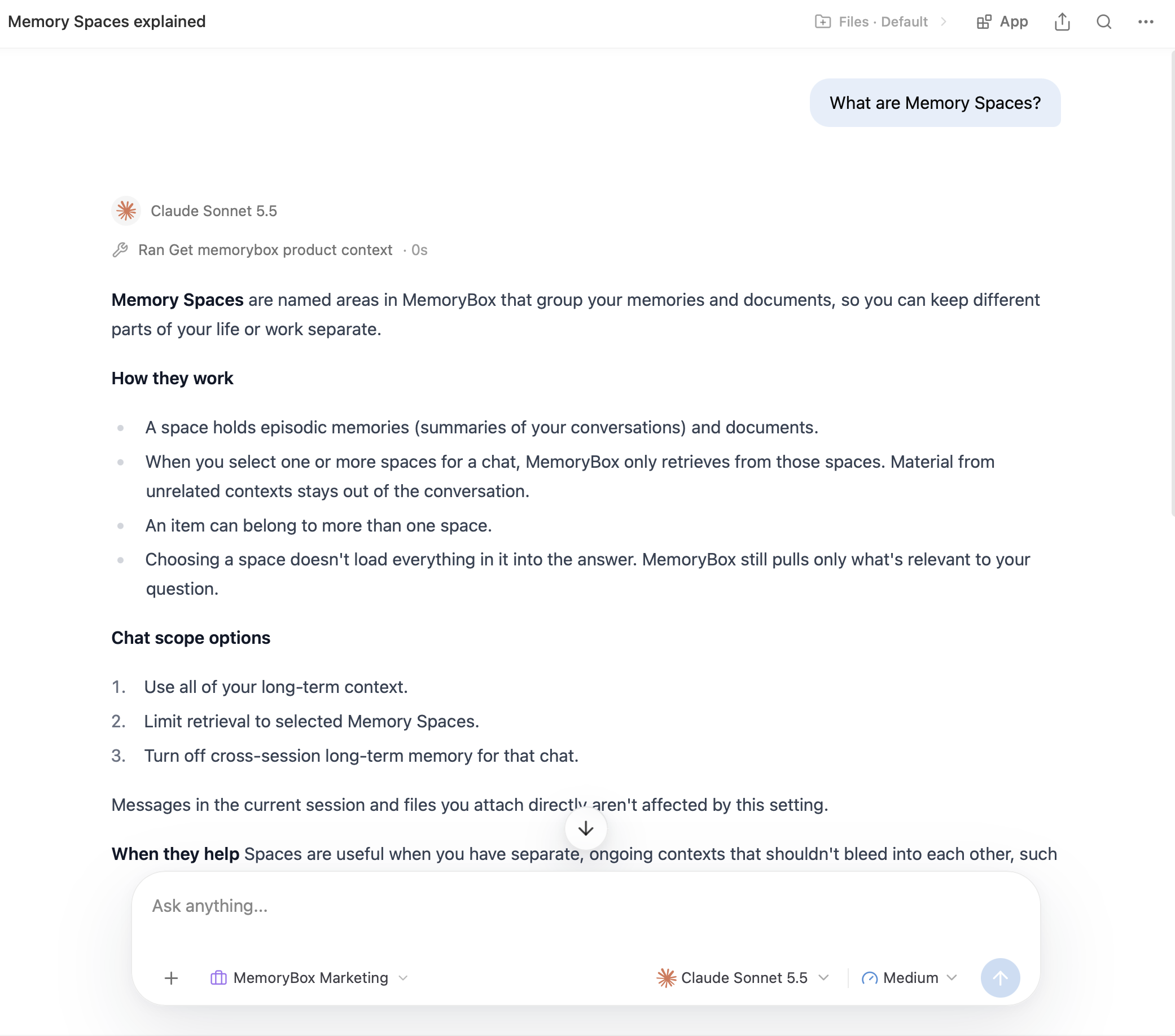
💡 Did you Know: You can ask MemoryBox how to use MemoryBox.
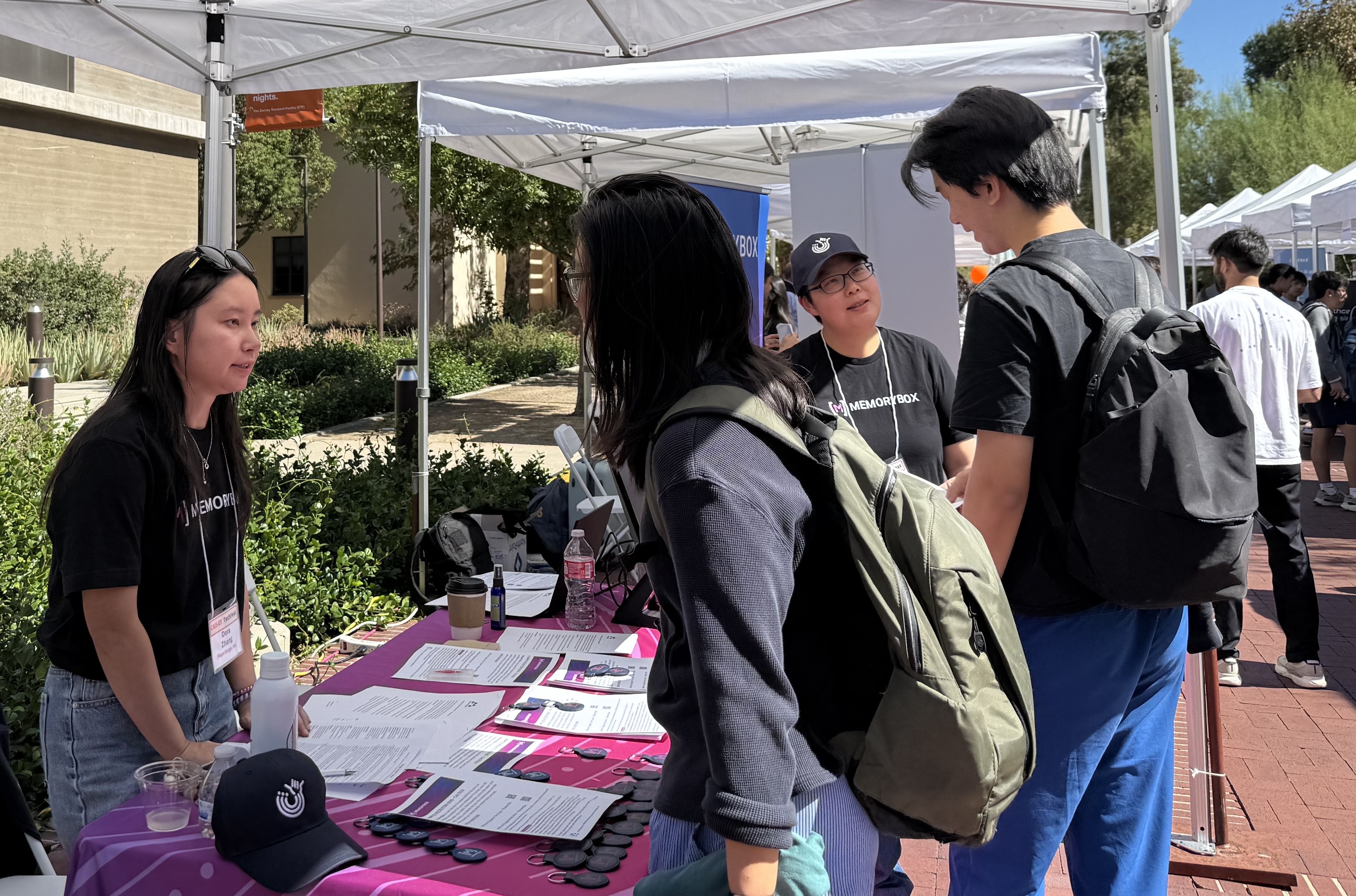
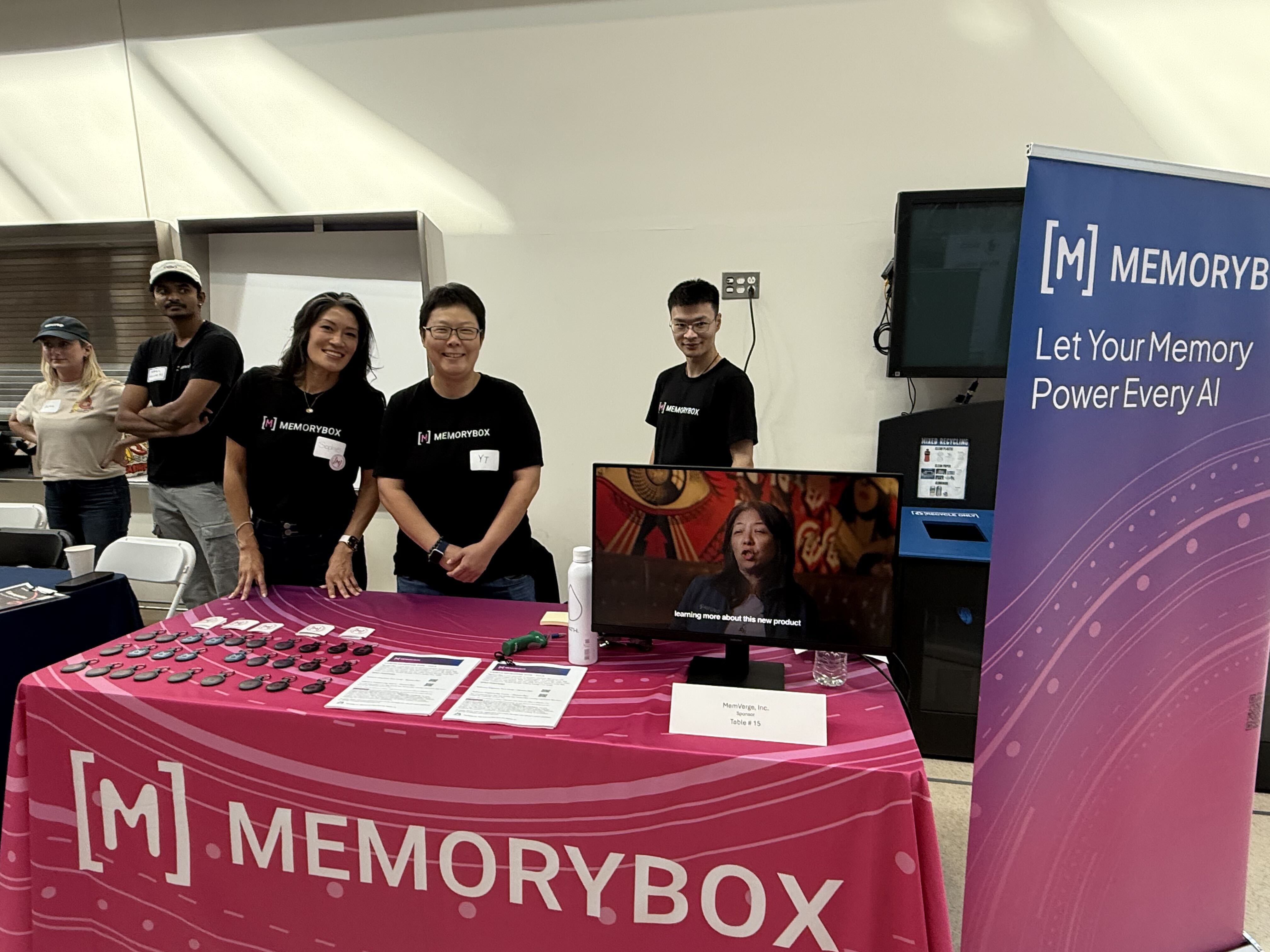
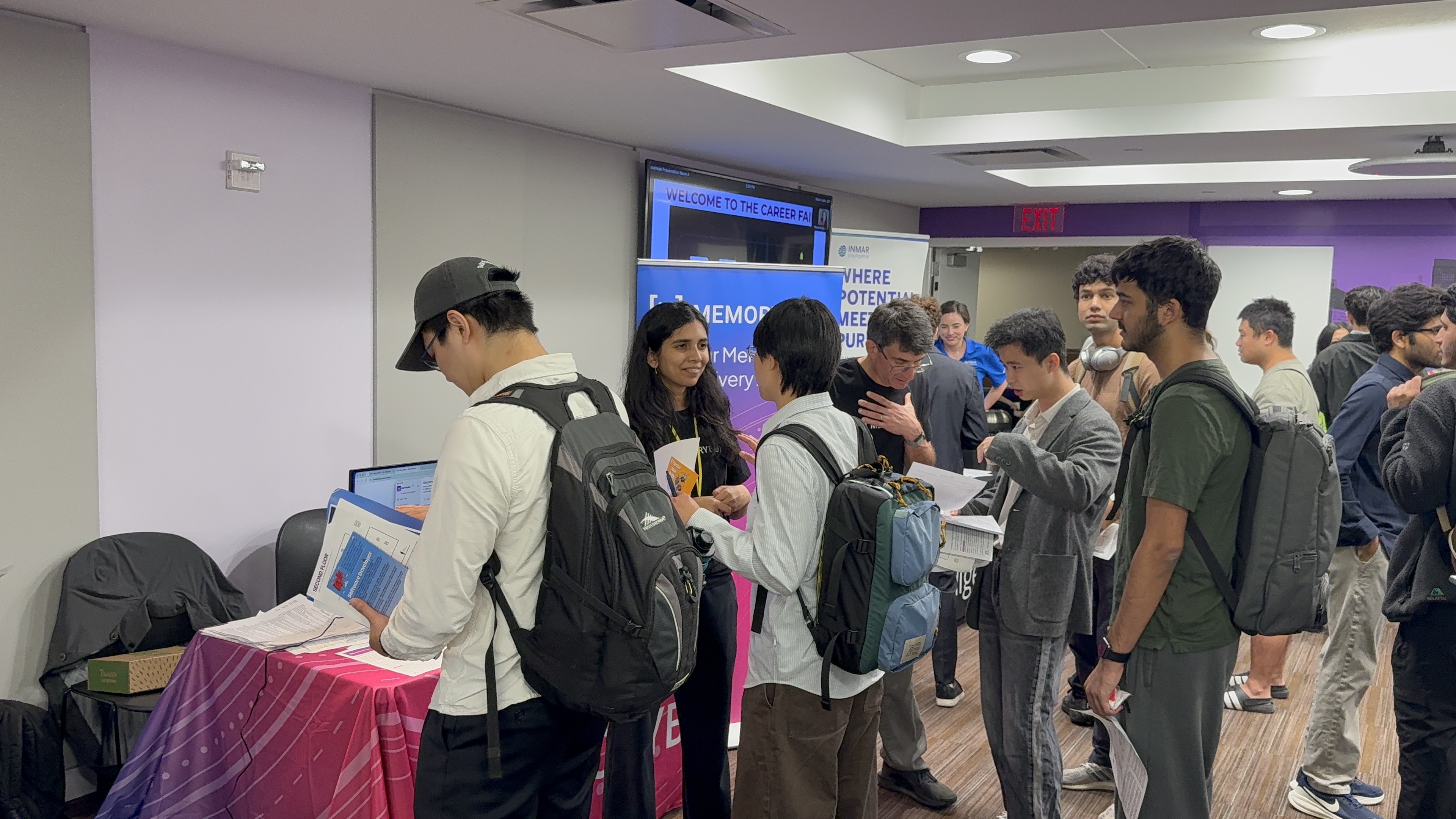
📍 Let's Connect: We met 800+ students at 4 campus career events in October. Thank you!
What's New
🎁 Get referral bonus
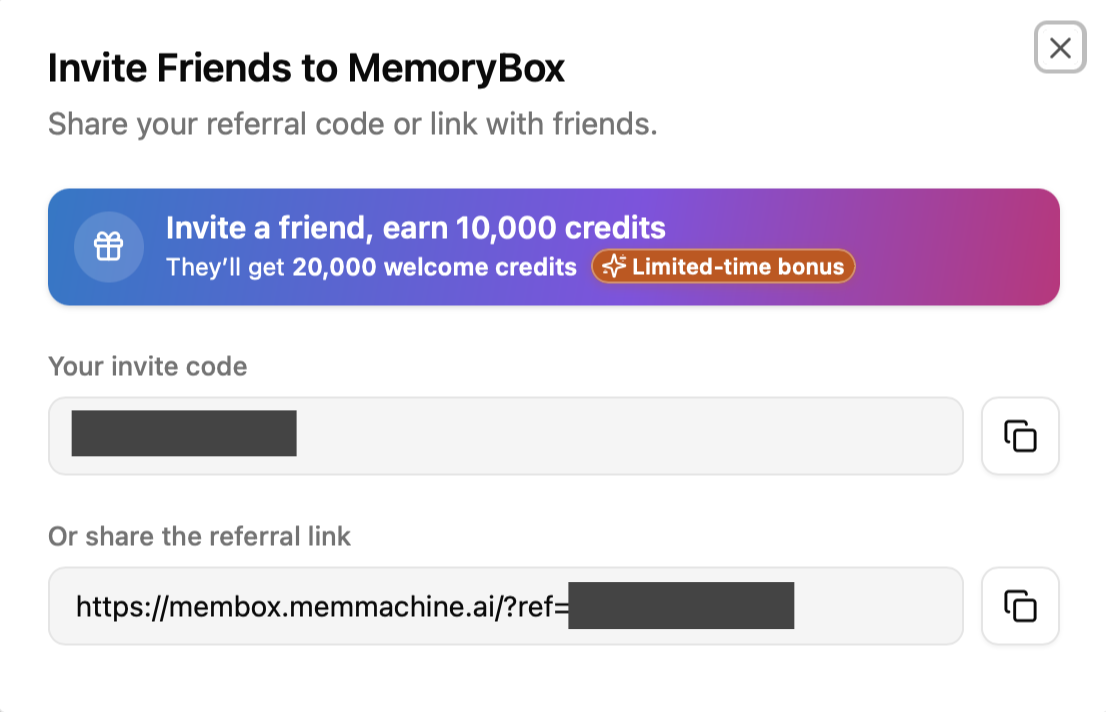
Our referral campaign is live. During the Beta period, every time a friend joins through your link, you earn 10,000 credits. New users also get 20,000 credits.
How it works
How it works
|
|
FAQ
Q. Who receives the referral bonus? A. You do! During the Beta period, when a friend signs up through your link, you earn 10,000 credits. Your friend gets a great start too: new users currently receive 20,000 credits through our new-user campaign.
Q. Can I use my referral code and link more than once? A. Yes. Your code and link stay the same, so you can share them with as many friends as you like. You can earn referral rewards for up to 50 friends (500,000 credits) in any 30-day period.
Q. Are credits activated automatically? A. Yes. Credits are applied to your account automatically.
⚡ Upgrade to Beta2
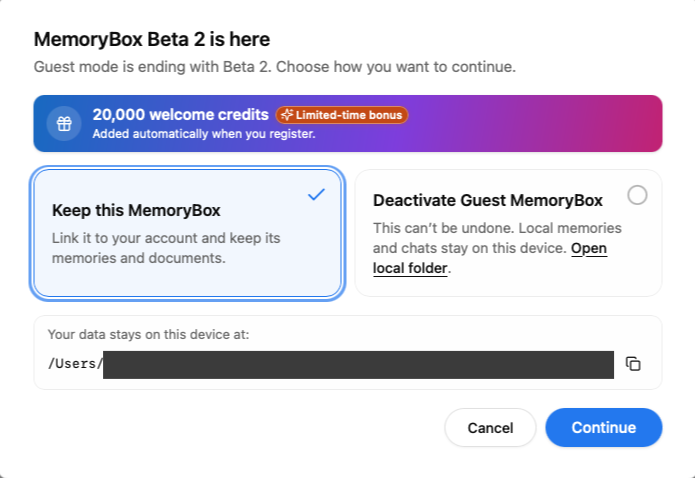
Guest mode is ending with Beta 2. Upgrade your guest account to a full MemoryBox account to keep your memories and documents, and receive 20,000 bonus credits.
All you need is a valid email address or another supported sign-in method. No credit card is required.
How to upgrade
How to upgrade
|
|
FAQ
Q. Is the upgrade required? A. Yes. Guest mode is ending with Beta 2. Upgrading lets you keep using MemoryBox with your existing memories and documents.
Q. What do I need? A. Just a valid email address or another supported sign-in method. No credit card information is needed.
🏓 Table tennis is our religion

Follow along to catch the latest. If there's something you'd like us to cover, tell us. We read every suggestion, and we always return the serve.
📸 Instagram · 🎵 TikTok · ▶️ YouTube
Did you know?
Did you know you can use the MemoryBox chat interface to ask what MemoryBox can do, or how to use a feature?
Stuck on a feature, or not sure where a setting lives? Skip the manual and just ask. Open the chat and type your question in plain language.
Try asking:
- Memory Spaces: "What are Memory Spaces?" or "Keep my work and personal memories separate."
- Importing your AI chats: "Can I import my ChatGPT history?" or "Import my Claude Code sessions from this computer."
- Connecting your apps: "Is Slack connected?" or "Connect my GitHub account."
Tips for better answers:
- Name the app or service, like "ChatGPT" or "Slack" rather than "my AI chats".
- Want it done, not just explained? Say "set up", "connect" or "import", and MemoryBox will show the settings for you.
Let's connect
Our team is growing. In October, we were at four career events: UCLA and Caltech on the West Coast, and Cooper Union and NYU on the East Coast. We talked with more than 800 students, all looking for internships and careers at MemoryBox. Thank you to everyone who stopped by to say hello.